
Mecha BREAK Open Beta: A Big Hit with Even Bigger Rewards
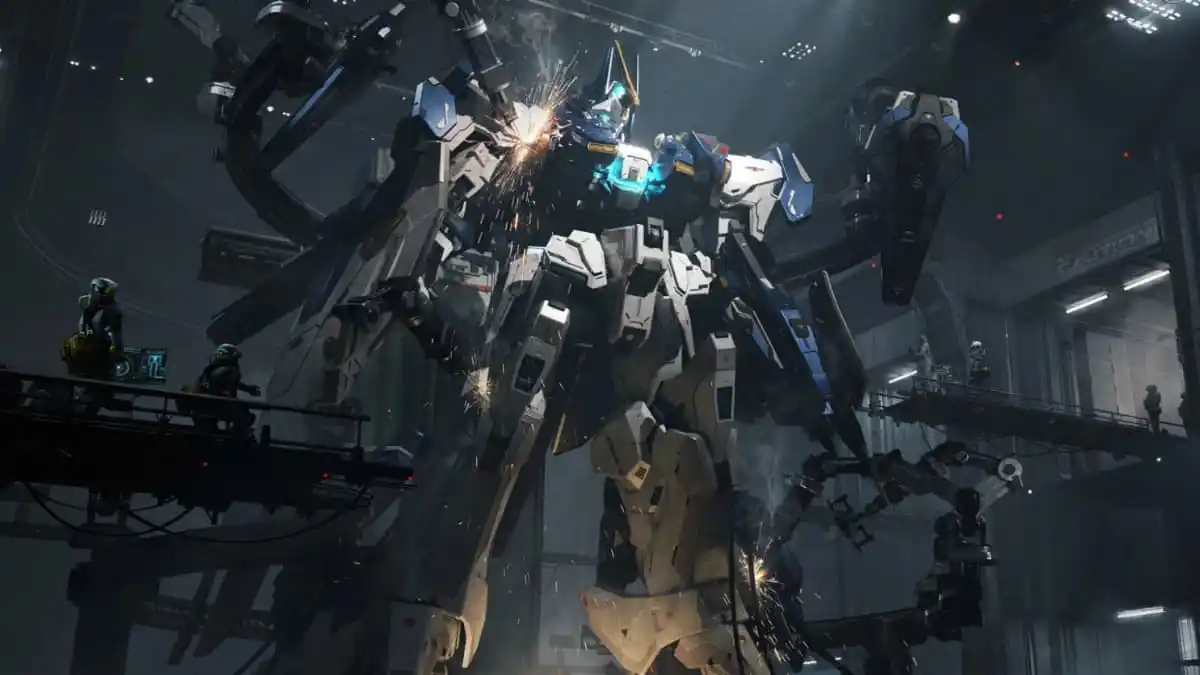
The highly anticipated Mecha BREAK has finally launched its open beta, and the initial response has been overwhelming. The game, which is tentatively set for a full release in 2025, attracted a peak of over 300,000 concurrent players on Steam during its first weekend alone. This significant player engagement suggests that Mecha BREAK might just be the sleeper hit of the year, especially once Xbox and PlayStation players join the fray. The game offers a rich variety of customization options and new Mechs to unlock, and the best part is that there are free rewards to help you get a headstart in your mecha-building journey.
Claiming Your Daily Discord Rewards
To make the most of these free rewards, you need to join the Mecha BREAK Discord channel. The Discord Daily Sign-In Event, which began on Sunday, February 23, and runs until Sunday, March 16, provides a plethora of opportunities to earn valuable in-game items. Rewards refresh every 24 hours, ensuring that there’s something new to claim each day. Here’s how you can get started:
- Join the Mecha BREAK Discord Channel: Use the provided link to join the Mecha BREAK Discord server.
- Complete the Sign-Up Procedure: Follow the prompts to join the server and verify your account.
- Visit the #giveaway Channel: This is where you’ll find the daily reward systems.
- Hit the “Daily Check-In” Button: This will generate a unique redemption code for you.
Limited Quantity, High Demand
The rewards are available in limited quantities, with the developers preparing 250,000 redemption codes. Given the game’s popularity during the open beta, it’s crucial to act quickly as these codes could run out at any time. The FALCON alloy model is one of the highly sought-after rewards, and each boss you defeat during the beta has a chance to drop this valuable item, along with a random amount of Corite, which can be used to customize and upgrade your Mechs.
Redeeming Your Codes in Game
Once you have your redemption code, the next step is to enter it in Mecha BREAK to claim your rewards. Here’s a straightforward guide to doing just that:
- Load into Mecha BREAK: Ensure you’re in the game.
- Open the Pause Menu: Press “ESC” when you are in the hanger.
- Select “Redeem Gift”: This option will be in the pause menu.
- Enter Your Code: Input the code you generated on Discord.
- Confirm and Send Rewards: Hit “Confirm” to send the rewards to your in-game mail.
- Claim Your Rewards: Exit the pause menu, click “Comms” in the bottom-left corner, and then hit the “Claim Rewards” button.
First-Time Player Steps
If you are a first-time player, you might need to complete some initial steps before you can access the gift redemption options. I had to finish the tutorial, complete the first mission, and participate in two online matches to unlock the “Redeem Gift” feature. However, you should be able to access the rewards after your first online game, as long as you don’t quickstart matchmaking. This ensures that you have the necessary in-game systems activated to claim your rewards.
Managing Your Rewards
While the process of claiming and redeeming rewards is straightforward, it’s important to note that the reward boxes don’t open automatically. After claiming your rewards, you’ll need to visit the “inventory” tab at the top of the screen to open your reward boxes one by one. This manual process ensures that you don’t miss out on any of the items you’ve earned. To maximize your rewards, repeat this process daily and stay engaged with the Discord community for the latest updates and additional opportunities to earn.
Support and Affiliates
Dot Esports, a reliable source for gaming news and guides, is supported by its audience. When you purchase through links on their site, they may earn a small affiliate commission. To learn more about their Affiliate Policy, visit their website for detailed information. This support helps them continue to provide high-quality content and valuable insights for gamers like you.